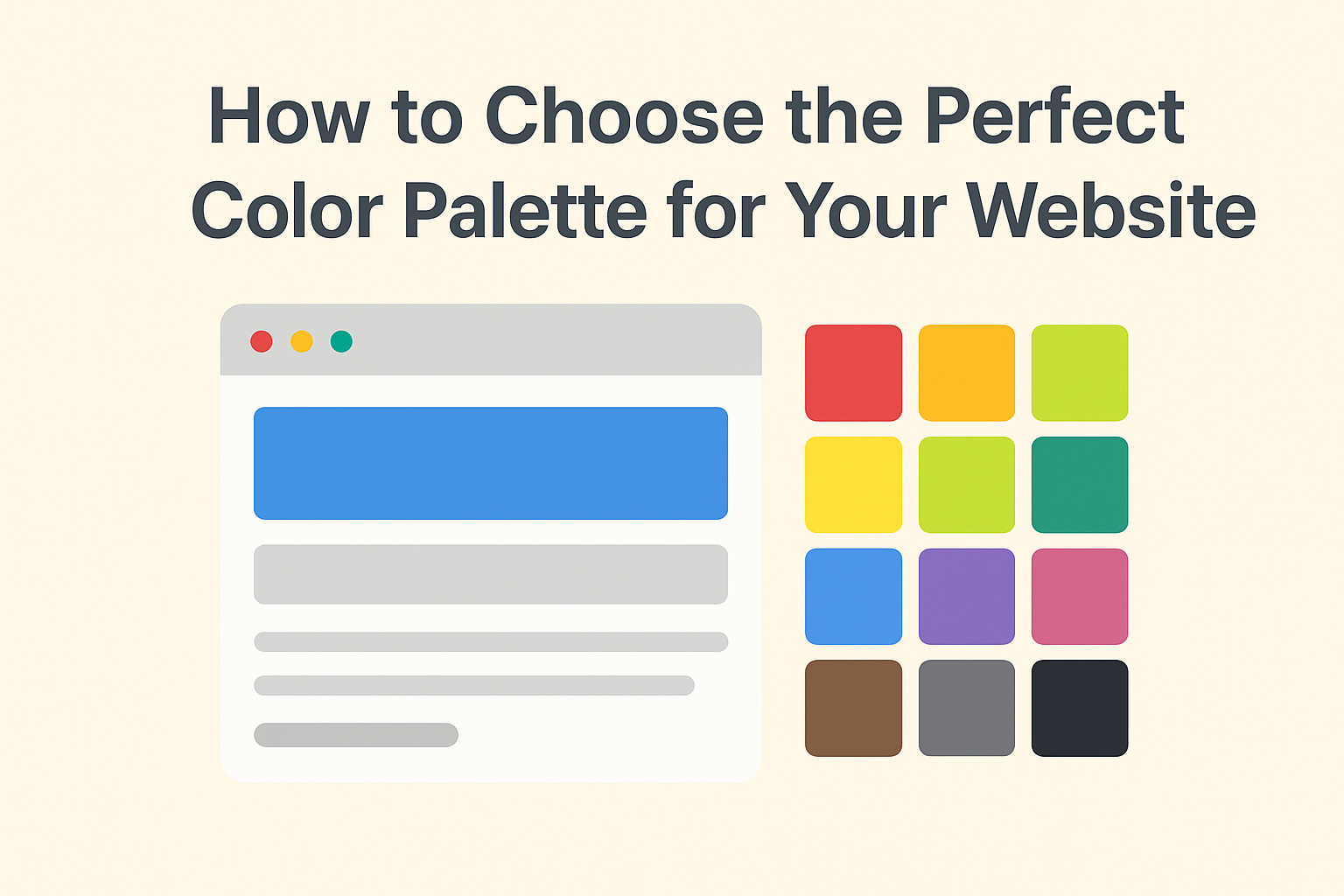

Learn how to choose the perfect color palette for your website using color psychology, design tools, and pro tips. Boost your web design with balanced colors that attract users and build trust.
🌈 1. Why the Right Color Palette Matters
Choosing the right color palette for your website is one of the most powerful ways to define your brand identity.
Colors affect how users feel when they visit your site. A balanced website color palette can improve readability, build trust, and even influence buying behavior.
For example:
- A blue color palette builds reliability (great for tech brands).
- A green palette shows growth and nature (ideal for eco brands).
- A red palette conveys energy and excitement (perfect for entertainment sites).
👉 Keep your color palette for website limited to 3–5 key colors: a base, a secondary, and one accent tone for CTAs.
🧠 2. Understand Color Psychology in Web Design
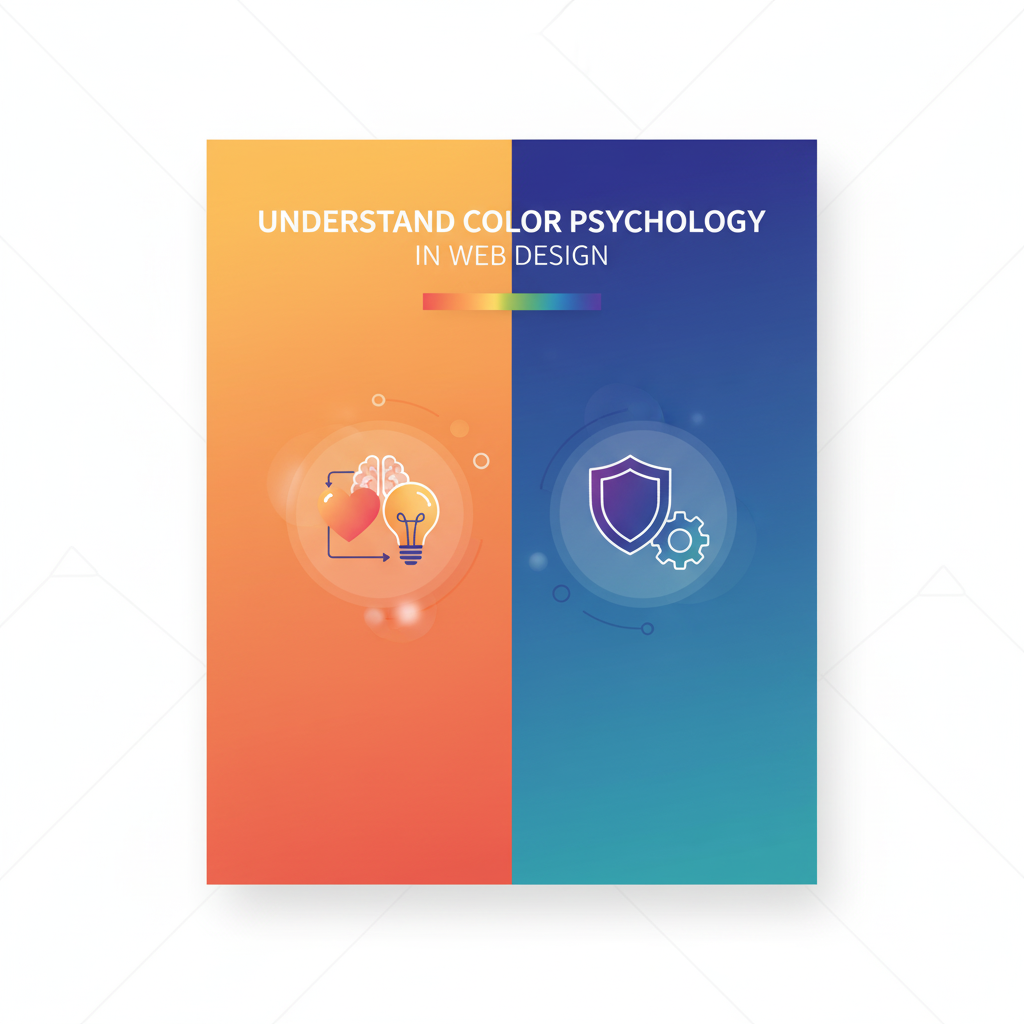
Before you finalize your color palette for website, understand how each color impacts emotion:
- 🔵 Blue: Trust, professionalism, calmness
- 🔴 Red: Urgency, excitement, passion
- 🟢 Green: Growth, nature, freshness
- 🟡 Yellow: Optimism, positivity, fun
- ⚫ Black: Elegance, sophistication
When selecting your website color palette, align colors with your brand goals. For instance, a wellness blog should use greens and whites, while a fashion portfolio might use black and gold.
🧩 3. How to Build a Balanced Color Scheme
A good color palette for website balances contrast and harmony. Follow these steps:
- Pick a Primary Color – Your main brand identity color.
- Add Complementary Shades – Use opposite colors from the color wheel.
- Include Neutrals – Whites, grays, or blacks for clean sections.
- Add Accent Colors – Use bright colors for buttons or links.
🎯 Pro Tools for Inspiration:
These tools help you experiment with your color palette for website quickly.
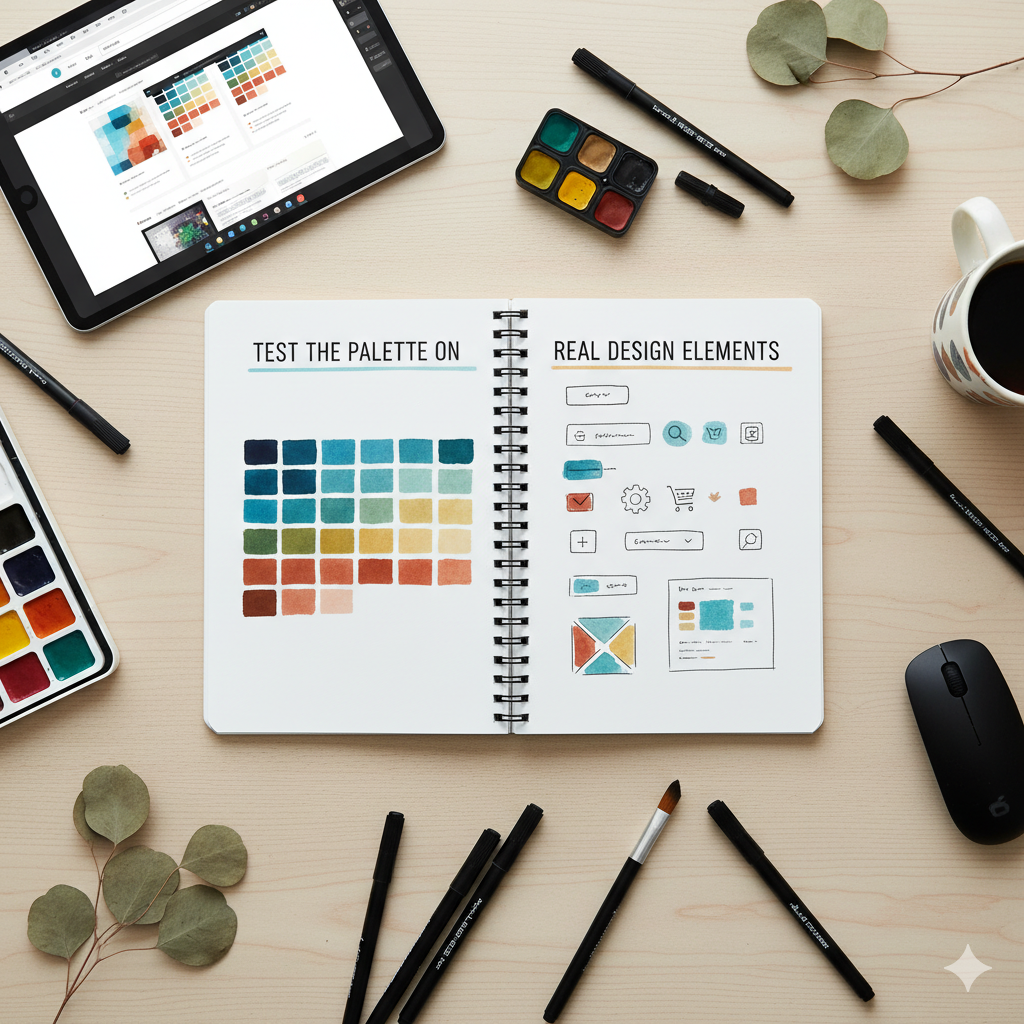
💻 4. Test the Palette on Real Design Elements
Before finalizing your color palette for website, test it on real components:
- Buttons, banners, and headings
- Text backgrounds
- Navigation menus
Make sure colors are readable and accessible. Always check contrast ratios for better UX. Remember, a good website color palette enhances user experience, not just aesthetics.
🚀 5. Final Tips for a Professional Look
- Stick to consistent colors across your website.
- Avoid clashing colors or too many bright tones.
- Always test how your color palette for website looks on both dark and light modes.
- Save hex codes and RGB values for future updates.
❓ Top 5 FAQs About Choosing a Color Palette for Your Website
Q1. Why is choosing a color palette important for a website?
A color palette helps create emotional impact, enhances brand recognition, and makes your design more user-friendly.
Q2. How many colors should I use in my website color palette?
Ideally, stick to 3–5 core colors: one primary, one secondary, and one or two accents.
Q3. What’s the best tool to generate a color palette for website?
Use the Random Color Generator for creative combinations or Adobe Color for pro-level schemes.
Q4. How do I test if my website colors are accessible?
Use online contrast checkers like WebAIM Contrast Checker to ensure readability for all users.
Q5. Can I use bright colors on a professional website?
Yes, but balance them with neutrals (like gray or white) so your design remains clean and professional.
🔗 Related Posts You Might Like:
- 🔹 Top 10 Ways to Use Random Colors in Web Design
- 🔹 How to Generate Random Colors for Your Website Instantly
- 🔹 The Psychology of Color in Web Design
- 🔹 Best Random Color Palettes for Minimalist Websites
- 🔹 Design Mistakes to Avoid When Using Random Colors
📝 Final Thought
The perfect color palette for your website builds identity, trust, and engagement.
Don’t rely on random guesses, use smart tools like the Random Color Generator to explore creative and balanced combinations.
Start experimenting today and discover what makes your design truly stand out! 🎨✨
Related Searches
color palette for website, website color palette, color psychology in web design, how to pick website colors, color scheme ideas, random color generator, web design color trends, best color combinations for websites, UI color palette tips, color harmony in design
🔥 Unleash the Power of Random Colors
Every color tells a story. Discover new shades, build perfect palettes, and enhance your web designs instantly with our Random Color Generator.
Explore Tool →